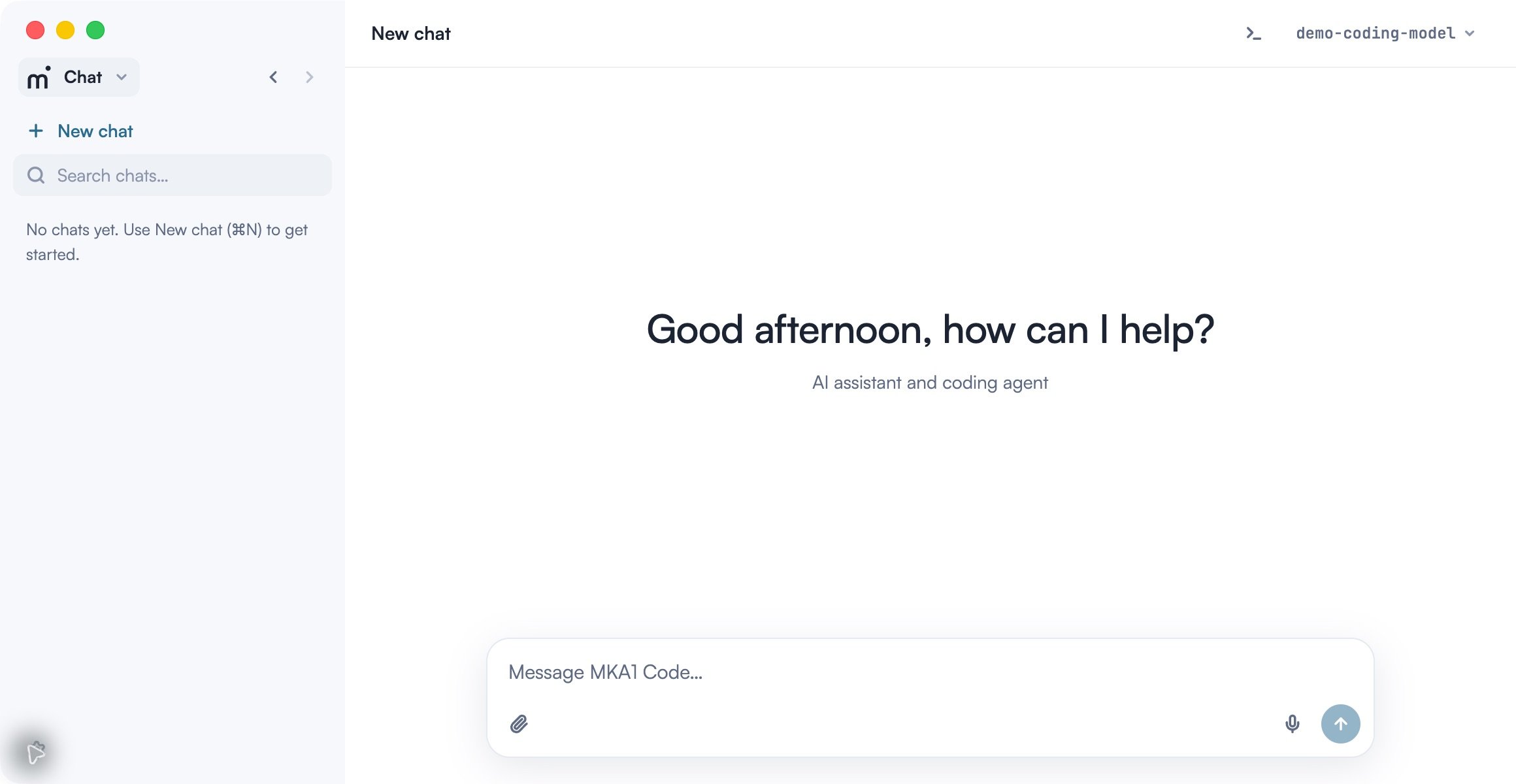
Work through a development task
A session can cover an entire change: read the relevant code, decide on an approach, edit the files, run the tests, and review the diff. You can pause at each stage to ask a question or change the scope. The conversation records the tool results, so you can return to the command that failed or the file that informed a decision.
Start in Code when the task depends on repository files or commands. Use Chat to discuss an idea without selecting a coding workspace. For checks that should repeat, save a prompt under Scheduled tasks and inspect each run’s result.
Get started
Start with the desktop app on macOS, Windows, or Linux. The quickstart takes you from a read-only project question through a regression test and a verified fix.Install
Install the desktop app, connect your organization account, and check the gateway and available models.
Quickstart
Read a project, reproduce a checkout bug, verify the fix, and prepare to review the changed files.
Features
Use a session to take a task from investigation through implementation and review. These guides explain how to provide context, control tool access, verify results, and organize work across projects.Sessions and project context
Add files, guide a running task, find earlier work, and understand context usage in the desktop app.
Planning and permissions
Plan an approach before editing and choose how the agent requests approval for tools.
Specialized agents
Create a focused reviewer or investigator with its own instructions and allowed tools.
Browser automation
Test a running web workflow, inspect its result, and take control when a step needs your input.
Review and commit changes
Inspect diffs and test results, choose what to commit, and push or open a pull request.
Parallel work and worktrees
Use independent worktrees for simultaneous edits and arrange sessions in desktop panels.
Remote development
Connect to SSH, WSL, or Docker; transfer selected tools and reconnect to existing work.
Scheduled tasks
Run recurring project checks and resume a local coding conversation later.
Tools and customization
Project memory
Save and approve project preferences for future local coding sessions.
Connectors, skills, and plugins
Connect external tools and manage reusable instructions for coding tasks.
Documents and files
Add source material and review generated PDFs, spreadsheets, presentations, and documents.
Other interfaces
If you prefer to work in your editor or terminal, use the VS Code extension or CLI. Both connect to your configured MKA1 gateway; the guides below cover their setup and controls. Compatible sessions, agent services, and connector settings can be shared through the same local application store. Sessions do not automatically synchronize between computers.VS Code extension
Install MKA1 Code in VS Code and work with the agent alongside your source files.
CLI
Install the MKA1 Code CLI, run interactive sessions, and use coding tasks in scripts.
Support
Keyboard shortcuts
Navigate the desktop app, work with sessions and panes, and customize keyboard shortcuts.
Usage and troubleshooting
Inspect gateway usage and resolve sign-in, project, connector, remote, schedule, and Git problems.