Organize access
The organization and its owner
When you accept the cluster invite, you become the owner of your organization. The owner has full control: Usage metrics, members, teams, and settings. Everyone else you bring in is either an admin or a member:Teams
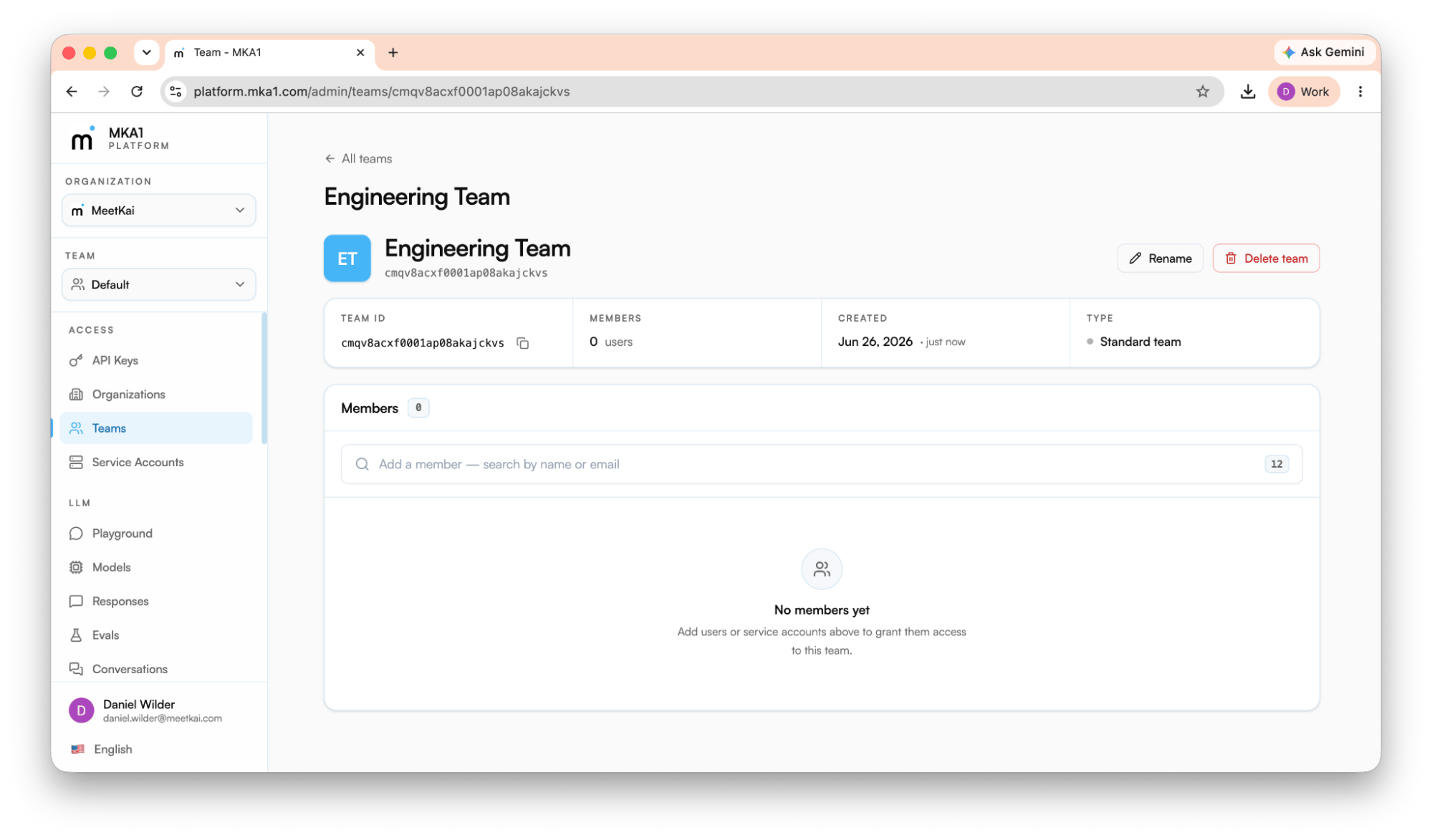
Every organization starts with a Default team, and people you invite from the console join it automatically. You can add more teams, and members belong to one or more of them. Teams are where most work and access live: API keys and agents are scoped to a single team, while repositories and compute belong to the organization. A key minted on one team grants access only to that team’s resources. Moving someone (or a service account) off a team revokes the access that came with it, and keys tied to that team stop working. This makes teams the natural boundary for separating projects, environments, or business units. Manage them under Access → Teams, where you can create a team and manage its flat membership roster.Inviting teammates
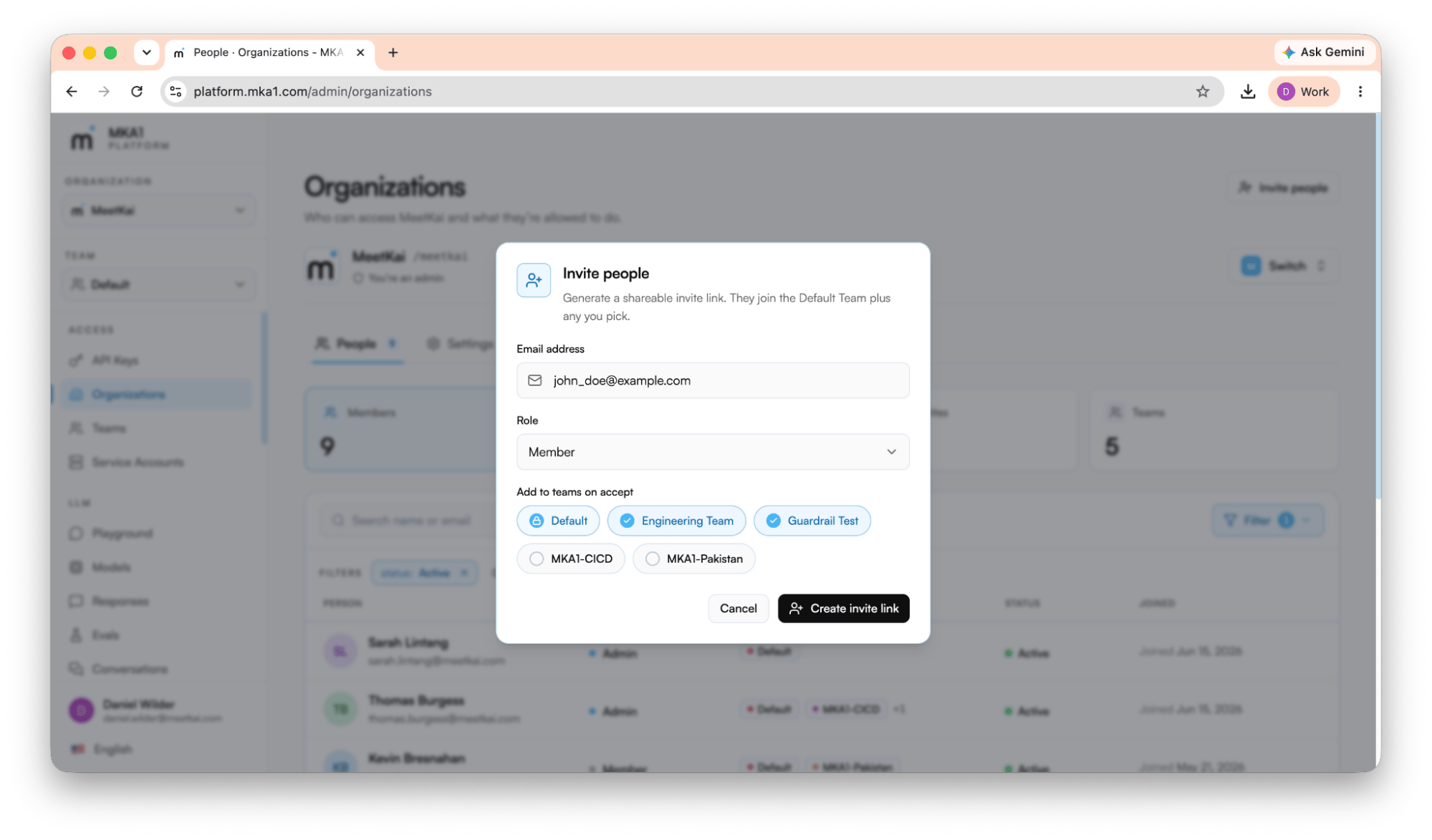
- No account yet (This is the most likely scenario) - they sign up (email/password or Google) with the invited email, verify it, and are dropped back onto the invite to finish joining.
- Already signed in with the invited email - one click on Accept & join adds them to the organization.
- Signed in as a different email - they’re prompted to switch to the invited account first, since invites are bound to a specific address.